

Quick answer
A QR code turns anything you print into a tap on a phone. Point it at one clear thing you want people to do, and you don't need to explain anything.
- A QR code is a square barcode people scan with their phone camera. It opens a link, no typing.
- Pick one clear action per code: see the menu, leave a review, join the Wi-Fi.
- You can make one free in a few minutes and print it the same day.
What a QR code actually does
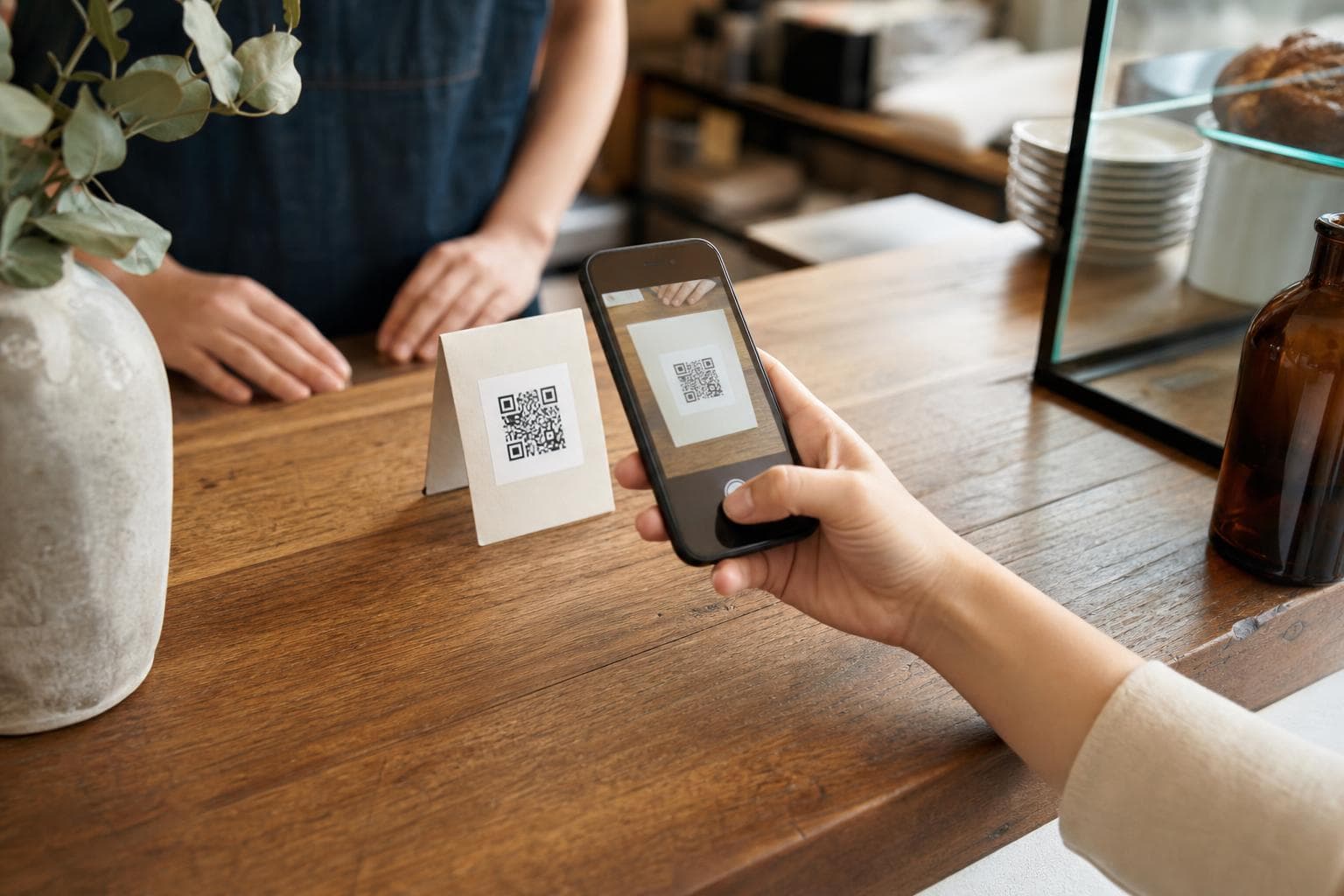
A QR code is a small printed square. People point their phone camera at it and a link opens. No typing, no searching.
Think about all the printed stuff in your shop: a menu, a receipt, a flyer, a sticker on the door, a jar label. People can read those, but they can't tap them. A QR code fixes that. It links the printed thing to one page online.
The trick is simple. Pick one thing you want the person to do, then point the code straight at it.
10 useful ways to use one
Start with these three. They pay off the fastest for most local businesses.
1
A Google review link
Point it at your review page. A happy customer can leave a review in seconds. For most local shops this is the most useful code you can print.
2
Your menu or price list
A small card on the table or counter opens your full, up-to-date menu. Prices change? Update the page. No reprints needed.
3
Your Wi-Fi password
A little card on the table joins guests to your Wi-Fi on its own. No password read out loud, no typing.
Seven more that work well:
- A contact card. One scan saves your name, phone, email and address to their phone. Great on a business card or a service van.
- Email-list signup. Point it at your signup page so regulars can join your list while they wait.
- Directions to your door. Opens a map straight to your shop. Handy on flyers, ads and packaging.
- A short video. A how-to, a care guide, or a quick “meet the maker” clip, linked from a shelf or your packaging.
- Product packaging. Link the box to instructions, what's inside, a reorder page, or a thank-you note.
- Event check-in. Point it at a booking or RSVP page for a workshop, pop-up or class.
- Business cards. Instead of a phone number nobody types, a scan that opens your site or saves your details.
Make one for free
You can build any of these with our free QR code generator. It does a link, plain text, Wi-Fi, a contact card, an email, a phone number, an SMS, a WhatsApp message and a map location.
- 1
Pick what you want it to do: open a link, join the Wi-Fi, save your contact, and so on.
- 2
Type in the details, like the web address or the Wi-Fi name and password.
- 3
Set your colours and add your logo if you want. Keep it dark on a light background.
- 4
Download it and print it. Add a short line next to it so people know what they get.
One honest note. This makes a static QR code. The link is baked in, so it won't change after you print it, and it doesn't count scans on its own. That keeps it free and reliable, and for most local uses it's all you need. If you want to know which spots people scan, there's a simple trick below.
Make sure it actually scans
A code that won't scan is wasted paper. A few simple rules:
- Keep it dark on light. A dark code on a light background reads best. Avoid busy photo backgrounds, and don't flip it to light on dark unless you test it first.
- Leave a margin. The empty space around the square is part of the code. Don't crowd it with text or push it to the edge of the page.
- Size it for the distance. A table card can be small. A poster across the room needs to be big. Rough rule: make it about a tenth as wide as the distance people scan from.
- Test before you print. Scan the final art with two or three phones, in the light it will live in. Five minutes here saves a whole print run nobody can read.
See which spots get scanned
A static code can't count scans by itself. The fix: point it at a tracked link instead of a plain one. Build that link with the UTM URL builder.
Give each spot its own tag: one for the table tent, one for the flyer, one for the receipt. Then your website stats show which printed spot sent people to your site. Same code style, smarter link.
Where to put them
A QR code only works where someone is already paused and holding a phone. Good spots:
- The window and front door. For people walking past or waiting outside.
- The counter and tables. While people sit, order, or wait to pay.
- The bottom of receipts. A natural spot to ask for a review.
- Packaging and shelf labels. For instructions, reorders, or a thank-you.
- Flyers and posters. Around the neighbourhood, with a clear line on what to scan for.
Always add one short line next to the code, like “Scan for the menu” or “Scan to leave a review”. Then let the code do the rest.
Frequently asked questions
Are QR codes worth it for a small business?
Yes, for clear one-action jobs. Pointing a code at your menu, a review page, or your Wi-Fi removes the typing and searching that loses people. It costs nothing to make one and a few minutes to print it.
Do I have to pay for a QR code?
No. Our free QR code generator makes a static code with your own colours and logo, ready to download and print. Once it is made, it works forever.
Can I track how many people scan my QR code?
A static code does not count scans by itself. The simple fix is to point it at a tracked link built with the UTM URL builder, give each spot its own tag, and read the results in your website stats.
Can I change where a QR code points after I print it?
Not with a static code. The link is baked in, so reprinting is the only way to change it. If the destination will change often, point the code at a page on your own site and just update that page.
Keep reading
UTM parameters: see which posts actually bring customers
UTM parameters in plain English: little tags you add to a link so you can see where your clicks came from. The five tags, naming rules, and how to read results.
The 30-minute weekly social media system for solo businesses
A simple 30-minute-a-week system to stay visible on social media. Capture photos as you go, batch your posts once a week, then post in two minutes.
Never run out of post ideas again
Brandmundo generates on-brand post ideas for your business. Swipe through them, keep the ones you like, and post.