

Quick answer
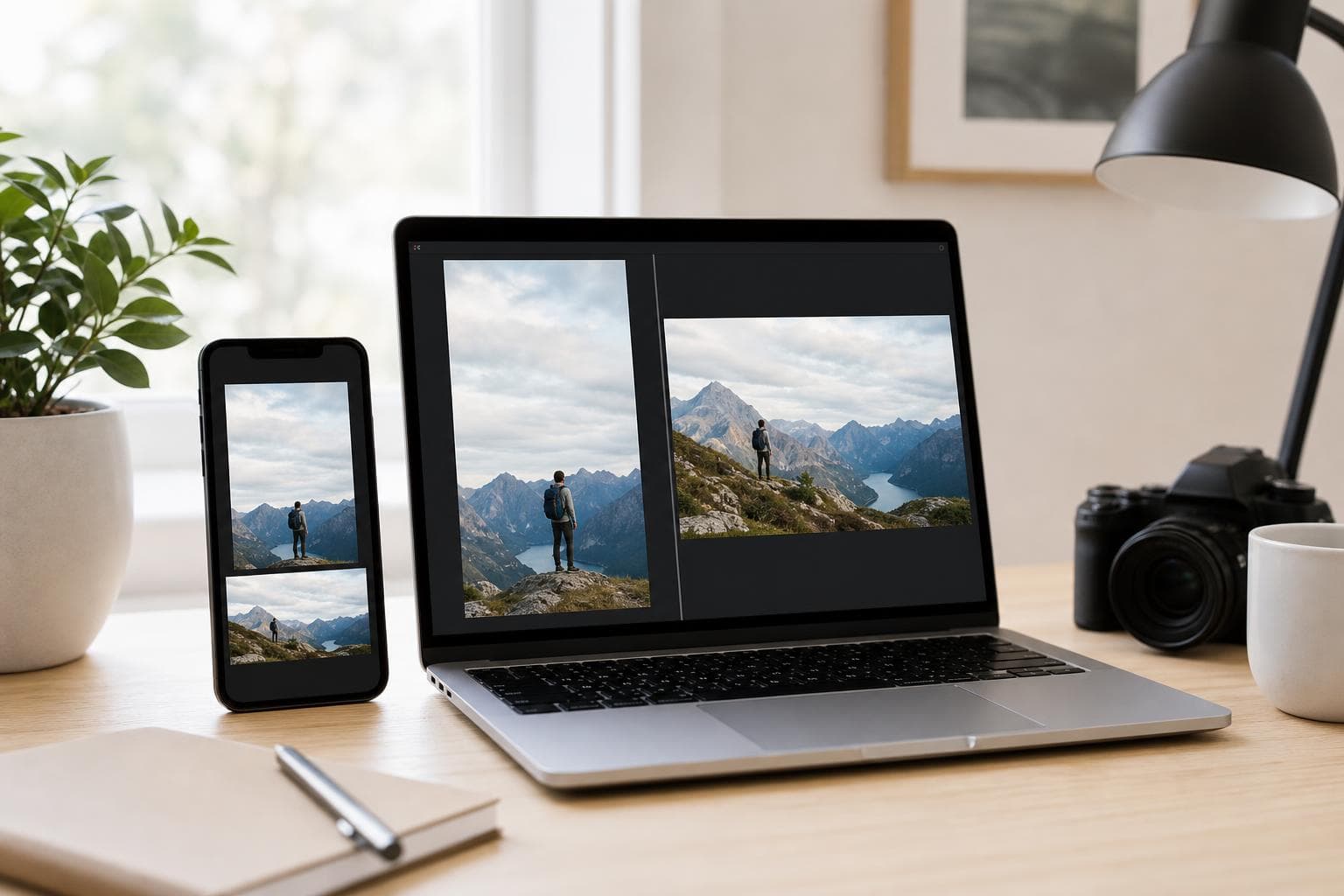
Two shapes cover almost everything: square or tall (4:5) for feeds, and full-screen (9:16) for Stories and Reels. Get the shape right and your post looks sharp on every phone.
- Aspect ratio is just the shape of the image, like square or tall. Get the shape right and the rest is easy.
- Two shapes cover most posts: 4:5 tall (1080x1350) for feeds, 9:16 (1080x1920) for full screen.
- JPG is fine for photos. PNG keeps text and logos crisp. WebP gives smaller files.
Why size matters
Every app wants a certain shape. Give it the wrong shape and the app decides for you. It crops the edges off, adds grey bars, or shrinks a too-small image until it goes blurry. None of that looks good.
A post that looks off gets scrolled past. So getting the shape right is the simplest way to make your posts look finished. The good news: you only need to remember two shapes.
The two shapes that cover most posts
If you remember nothing else, remember these two. They fill the most screen space and look right on a phone, which is where nearly everyone sees your posts.
4:5 portrait, 1080x1350 pixels
The tall feed post. Best for Instagram, Facebook, and LinkedIn feeds. It takes up more space than a square, so it stands out as people scroll.
9:16 vertical, 1080x1920 pixels
The full-screen post. Use it for Stories, Reels, TikTok, and YouTube Shorts. It fills the whole phone screen, with no grey bars.
Make your image once in these two shapes and you can post almost anywhere. The list below is for the few cases these two do not cover, like link previews, banners, and profile pictures.
Exact sizes for every app (2026)
These are the sizes to use today. When in doubt, make the image a bit bigger at the same shape and let the app shrink it down.
- Feed (tall): 1080x1350 (4:5).
- Feed (square): 1080x1080 (1:1).
- Stories and Reels: 1080x1920 (9:16).
- Profile picture: 320x320, shown as a circle.
- Feed (tall): 1080x1350 (4:5).
- Link preview: 1200x630 (1.91:1). This is the thumbnail that shows when you share a website link.
- Page cover: around 1640x856.
- Feed image: 1080x1350 (4:5).
- Link post preview: 1200x627 (close to 1.91:1).
- Cover (banner): 1584x396.
X (Twitter)
- In-feed image: 1600x900 (16:9).
- Header: 1500x500 (3:1).
TikTok
- Video and image posts: 1080x1920 (9:16).
- Standard pin: 1000x1500 (2:3). Taller pins take up more space in the grid.
YouTube
- Thumbnail: 1280x720 (16:9).
Which file type to use: JPG, PNG, or WebP
The file type is just how the image is saved. Three are worth knowing.
- JPG. Safe everywhere and keeps the file small. Use it for photos.
- PNG. Keeps text and logos crisp. Use it when your image has sharp edges or lettering.
- WebP. Smaller files at the same quality. Handy when an app limits how big the file can be.
Whatever you pick, stay under each app's file size limit. That way the image uploads at full quality instead of getting squashed on the way in.
The fast way: let a tool size it for you
You do not need to memorise any of this. Our free social image generator exports your image at the right size for each app. A feed post comes out at 1080x1350. A Story comes out at 1080x1920. You never touch a single number.
That link-preview thumbnail at 1200x630 is the one most people forget. Getting it right is what makes a shared link look finished instead of broken.
Want the whole post handled, not just the size? Brandmundo turns your brand into posts and images at the right size for every app, ready to swipe and keep. Try it free. Pair it with the 30-minute system and the “what size is this again” problem goes away.
Questions fréquentes
What is the best all-round image size?
1080x1350, the 4:5 tall shape. It works for Instagram, Facebook, and LinkedIn feeds, takes up more space than a square, and reads well on a phone. For full-screen posts like Stories, Reels, and TikTok, use 1080x1920 (9:16). Those two shapes cover most of what you post.
Why does my image look blurry after I post it?
Usually the image was too small, so the app stretched it. Or the file was so big it got squashed on upload. Use the pixel size for that app and stay under its file size limit. Making the image a bit bigger at the same shape, then letting the app shrink it, is safer than making it too small.
What size should a link preview image be?
Use 1200x630 (a 1.91:1 shape). That is the thumbnail Facebook, LinkedIn, and X show when you share a website link. It is the one people forget most, and a missing or wrong-sized one is why a shared link can look empty or cropped.
Do I need a different image for every app?
Not really. Make it at 4:5 (1080x1350) for feeds and 9:16 (1080x1920) for full screen, and you can post almost anywhere. The exceptions are banners, profile pictures, and link previews, which have their own fixed sizes. A tool that sizes per app handles all of it for you.
Keep reading
Ne soyez plus jamais à court d’idées de posts
Brandmundo génère des idées de posts fidèles à votre marque pour votre entreprise. Faites-les défiler, gardez celles qui vous plaisent et publiez.