
Download the template
20 pre-filled rows across 4 weeks — platform, format, content pillar, topic and status columns. Free, no email required.
Download CSVOpens in Google Sheets, Excel, Numbers and Notion.
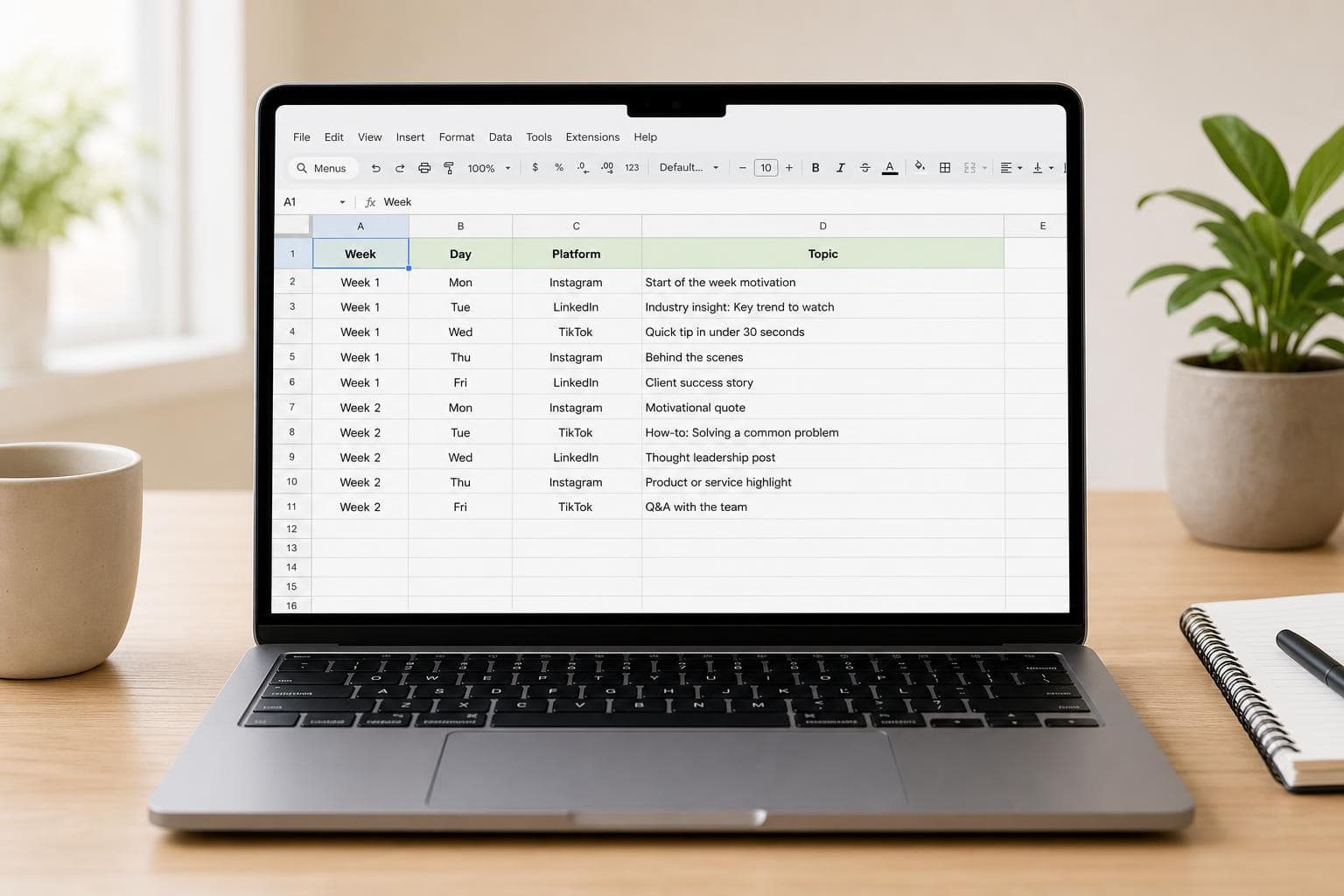
What's inside
The template is a rotation, not a blank grid. Each of the four weeks follows the same rhythm — five posts across Instagram, LinkedIn and Facebook — and every row already names a proven format: a behind-the-scenes Monday, an educational midweek carousel, a social-proof Friday. You replace the example topics with your own; the structure, pillars and cadence are done.
- Week, day & time — a 5-posts-per-week cadence matched to each platform's strong windows
- Platform & format — feed post, carousel, Reel, text post, document post
- Content pillar — rotates behind-the-scenes, educational, social proof, engagement and promotional so the mix stays healthy
- Status columns — caption written, visual ready, posted: the three checkboxes that turn a plan into a workflow
How to use it
- 1
Import the CSV into Google Sheets or Excel (File → Import).
- 2
Swap the example platforms and times for your channels — keep the pillar rotation.
- 3
Each Friday, fill next week’s “Idea / topic” cells. Fifteen minutes, once a week.
- 4
When week 4 ends, loop back to week 1 with fresh topics. The formats repeat on purpose — audiences reward familiar series.
Preguntas frecuentes
How do I open the template in Google Sheets?
Download the CSV, then in Google Sheets go to File → Import → Upload and select it. Everything lands in labelled columns; format the header row and you're done.
Why a 4-week rotation instead of a monthly calendar?
Because rotations repeat and calendars expire. The template's four weeks are designed as a loop: when week 4 ends, start week 1 again with fresh topics. You keep the structure and only replace the ideas.
How far ahead should a small business plan content?
One to two weeks of planned posts, with room for in-the-moment content. Planning a whole quarter feels organised but goes stale by week three — short cycles keep content honest.
What are the "content pillars" in the template?
Recurring content categories: behind the scenes, educational, social proof, engagement, promotional. The template rotates them so you never post three promos in a row — a balance most businesses break without noticing.
Fill the calendar faster
The topic column is the hard part. We generate it.
Brandmundo creates on-brand post ideas — captions, hashtags and images included — that drop straight into this calendar. Swipe through a deck instead of brainstorming. Free to try.